Getting Started
Beginner
Terminal window Terminal window Terminal window Terminal window Terminal window
Install
Section titled “Install”Popular install methods are listed below. Some AppImage and nightly build options exist on the OpenSCAD page.
winget install --id=OpenSCAD.OpenSCAD -ebrew install openscad@snapshotsudo apt-get install openscadsudo dnf install openscadflatpak remote-add --user --if-not-exists flathub-beta \ https://flathub.org/beta-repo/flathub-beta.flatpakrepoflatpak install --user flathub-beta org.openscad.OpenSCAD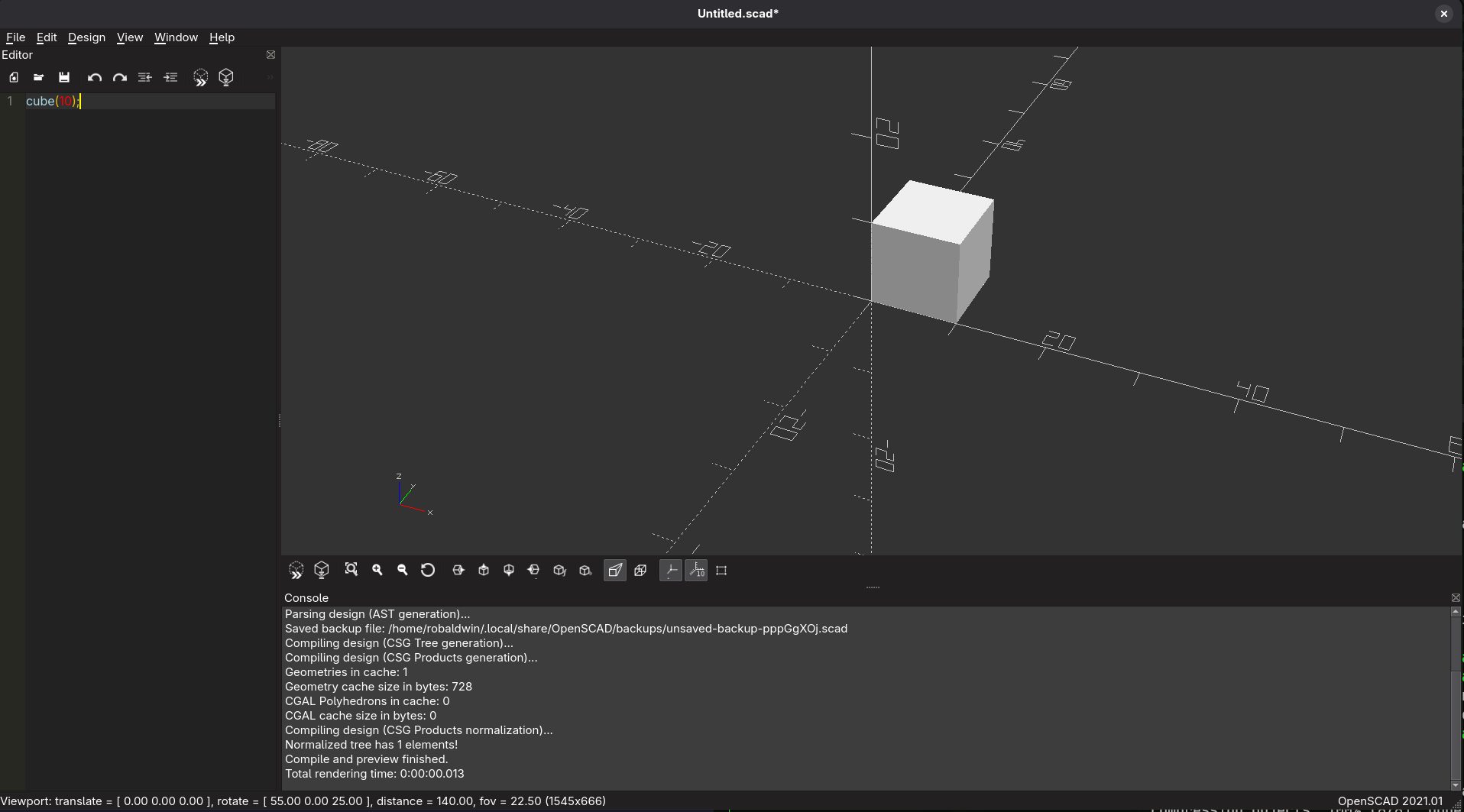
Documentation
Section titled “Documentation”Documentation and examples are provided throughout the OpenSCAD section of this wiki. The OpenSCAD base page is also a good learning resource that was used before crafting the content here. All the links below lead directly to openscad.org.