Hugo Cloudflare Hosting
This guide shows how to setup a hugo site with cloudflare. Prequisites are having a github repository with your hugo project ready to go.
- An open source free to use static site genorator. It includes templates to customized the site to your liking.
- Uses markdown files to generate site content
- Easily hosted by cloudflare, updates are automatically applied when repo is updated
- Hugo Documentation
Setup Steps
Section titled “Setup Steps”-
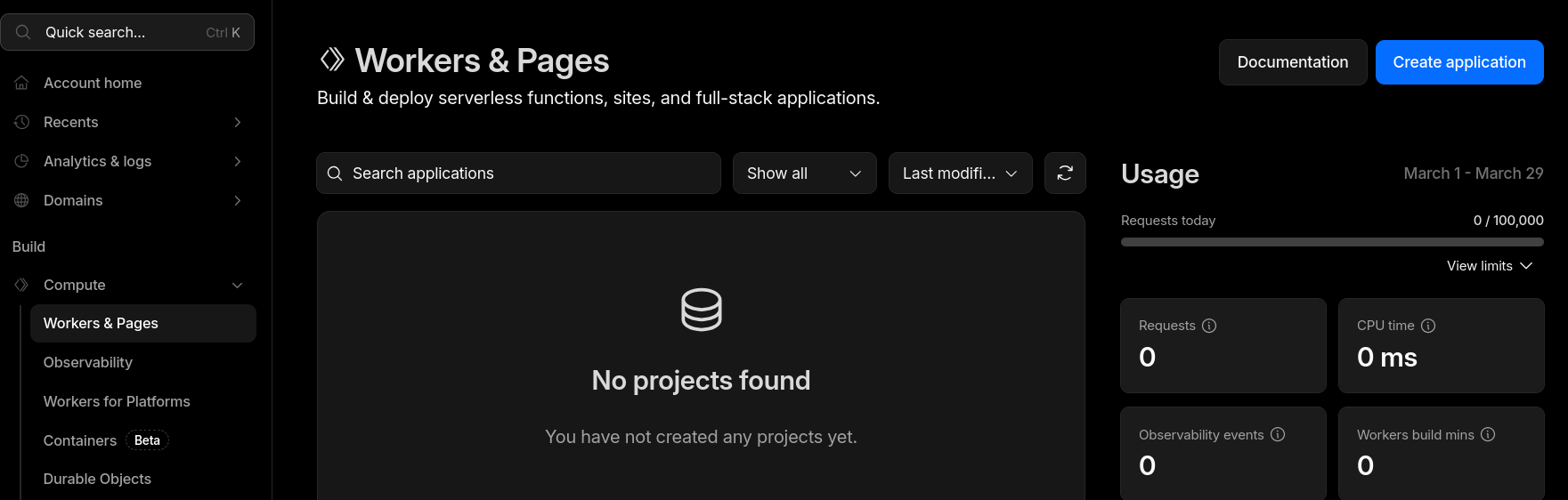
Navigate to compute -> Workers & Pages
-
Click create application
-
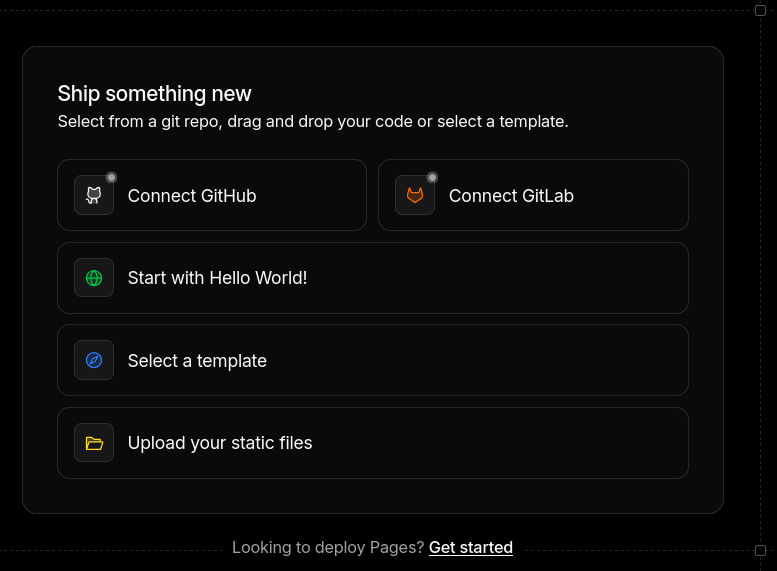
Click Getting Started at the bottom
-
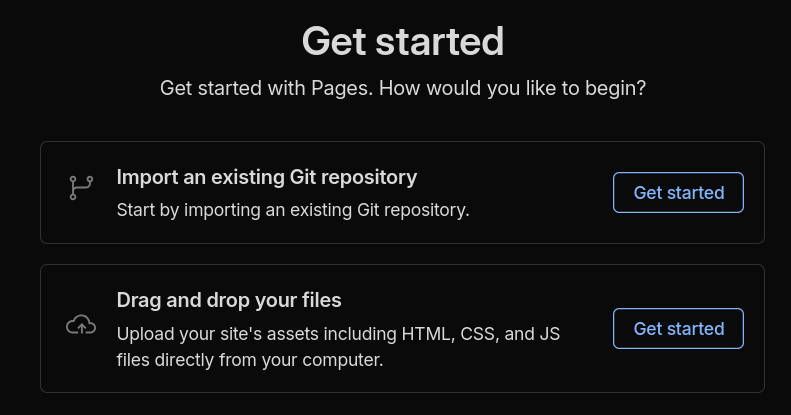
import existing repository

-
configure for hugo

-
Select Domain